Linux Networking Basics: A Comprehensive Guide for Beginners
Table of Contents
Linux networking commands and configuration skills form the backbone of modern server infrastructure and cloud computing environments. Whether you’re managing a small home server or large-scale enterprise systems, understanding Linux networking fundamentals is essential for any system administrator, DevOps professional, or cybersecurity expert.
This comprehensive Linux networking tutorial will walk you through fundamental concepts, essential commands, and troubleshooting techniques you need to master network configuration in Linux.
What is Linux Networking?
Linux networking refers to the collection of protocols, tools, and configurations that enable Linux systems to communicate over networks. Unlike proprietary operating systems, Linux provides transparent access to its networking stack, allowing administrators to fine-tune performance, security, and connectivity at a granular level.
The Linux TCP/IP networking stack implements the TCP/IP protocol suite, supporting both IPv4 and IPv6 addressing, various routing protocols, and numerous networking services. Its open-source nature means extensive documentation, community support, and the ability to customize networking behavior to meet specific requirements.
Core Networking Concepts in Linux
Network Interfaces in Linux
Network interfaces are the software representations of physical or virtual network adapters. In Linux, they’re typically named eth0, eth1 for Ethernet interfaces, wlan0 for wireless, or lo for the loopback interface. Modern Linux distributions may use predictable network interface names like ens33 or enp0s3.
To view network interfaces in Linux, use:
ip addr show
or the older but still widely used ifconfig command:
ifconfig
IP Addressing in Linux
IP addresses are numerical labels that identify devices on a network. Linux supports both IPv4 (32-bit addresses like 192.168.1.100) and IPv6 (128-bit addresses like 2001:0db8:85a3::8a2e:0370:7334).
To assign IP address in Linux temporarily:
sudo ip addr add 192.168.1.100/24 dev eth0
For permanent IP configuration, you’ll need to modify Linux network configuration files, which vary by distribution:
- Ubuntu/Debian:
/etc/netplan/or/etc/network/interfaces - CentOS/RHEL:
/etc/sysconfig/network-scripts/ifcfg-*
Linux Routing Basics
Routing in Linux determines the path packets take through networks. Linux systems maintain a routing table that specifies how to reach different network destinations.
To view routing table Linux:
ip route show
To add static route in Linux:
sudo ip route add 10.0.0.0/8 via 192.168.1.1
Essential Linux Networking Commands
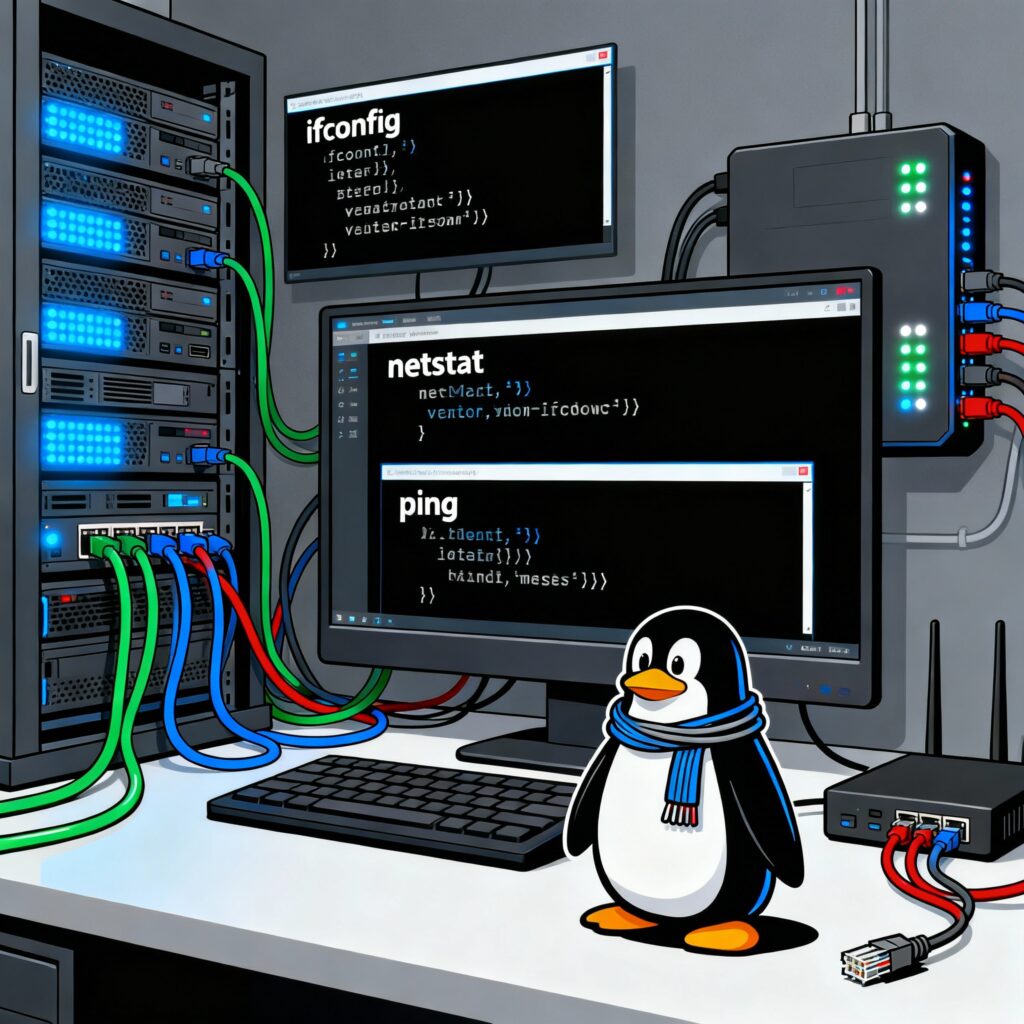
ping command in Linux
The ping command tests connectivity between two hosts by sending ICMP echo requests:
ping google.com
It’s the first tool to use when troubleshooting network connectivity Linux.
traceroute command Linux
traceroute shows the path packets take to reach a destination, displaying each hop along the way:
traceroute google.com
This is invaluable for identifying network delays or failures.
netstat and ss commands
These Linux network monitoring commands display network connections, listening ports, and statistics. While netstat is traditional, ss (socket statistics) is faster and recommended for modern systems:
ss -tuln # Show TCP and UDP listening sockets
nslookup and dig commands
DNS resolution tools that query DNS servers to translate domain names to IP addresses:phoenixnap+1
dig google.com
nslookup google.com
The dig command in Linux is more powerful for DNS troubleshooting and automation.
tcpdump command Linux
tcpdump is a powerful packet analyzer that captures and displays network traffic in real-time:redhat
sudo tcpdump -i eth0  # Capture all traffic on eth0
sudo tcpdump -i eth0 port 80  # Capture only HTTP traffic
nmap network scanner
nmap (Network Mapper) is used for network discovery and security auditing:dev
nmap 192.168.1.0/24  # Scan all hosts in the 192.168.1.0/24 network
nmap -p 80,443 192.168.1.1  # Scan specific ports
iptables firewall Linux
iptables is the standard Linux firewall utility:
bashsudo iptables -L  # List all rules
sudo iptables -A INPUT -p tcp --dport 22 -j ACCEPT  # Allow SSH
Network Configuration Files in Linux
Linux network configuration is primarily managed through text files, which vary by distribution:cycle+1
Ubuntu/Debian Netplan Configuration
Located in /etc/netplan/, these YAML configuration files define network settings:
network:
  version: 2
  ethernets:
    eth0:
      dhcp4: no
      addresses:
        - 192.168.1.100/24
      gateway4: 192.168.1.1
      nameservers:
        addresses: [8.8.8.8, 1.1.1.1]
CentOS/RHEL Network Configuration
Network scripts in /etc/sysconfig/network-scripts/:
TYPE=Ethernet
BOOTPROTO=static
NAME=eth0
DEVICE=eth0
ONBOOT=yes
IPADDR=192.168.1.100
NETMASK=255.255.255.0
GATEWAY=192.168.1.1
DNS1=8.8.8.8
NetworkManager Command Line
NetworkManager is a daemon that simplifies network configuration for desktop and mobile systems:
nmcli connection show  # List connections
nmcli device status  # Show device status
nmcli connection up eth0  # Bring up connection
Advanced Linux Networking Features
Virtual Network Interfaces
Linux allows creation of virtual network interfaces:
- Network bonding: Combines multiple network interfaces for redundancy and increased bandwidth
- Linux bridge: Connects multiple network segments
- VLAN configuration: Segments networks at the data link layer
Quality of Service (QoS)
Traffic control with tc (traffic control) allows bandwidth management Linux:
tc qdisc add dev eth0 root tbf rate 1mbit burst 32kbit latency 400ms
Network Namespaces Linux
Network namespaces provide isolated network environments:
sudo ip netns add myns  # Create namespace
sudo ip netns exec myns bash  # Enter namespace
Linux Network Troubleshooting Techniques
Effective network troubleshooting in Linux follows a systematic approach:
- Physical layer: Check cable connections and link lights
- Interface status: Verify interfaces are up and configured
- IP configuration: Confirm correct IP addressing and subnet masks
- Routing: Ensure proper routes exist to reach destinations
- DNS resolution: Test name resolution with
nslookupordig - Connectivity: Use
pingto test reachability - Services: Confirm required services are running and listening
Advanced Network Diagnostic Tools
- iftop: Real-time bandwidth monitoring Linux
- nethogs: Per-process network usage monitoring
- mtr: Combines ping and traceroute functionality
- wireshark: GUI packet analyzer (requires X11)
- iperf3: Network performance testing
Linux Network Security
Linux networking security involves several key practices:
Firewall Configuration
Using iptables or nftables to control traffic:
# Basic iptables rules
iptables -P INPUT DROP
iptables -A INPUT -i lo -j ACCEPT
iptables -A INPUT -m state --state ESTABLISHED,RELATED -j ACCEPT
iptables -A INPUT -p tcp --dport 22 -j ACCEPT
SSH Security Hardening
Hardening SSH access on Linux:
# In /etc/ssh/sshd_config
Port 2222
PermitRootLogin no
PasswordAuthentication no
AllowUsers yourusername
Network Service Hardening
- Disable unnecessary services with
systemctl - Use fail2ban to prevent brute force attacks
- Implement SELinux or AppArmor for access control
- Regularly update system packages
Network Monitoring and Logging
Implement logging and monitoring:
# Enable detailed logging in rsyslog
echo "*.info;mail.none;authpriv.none;cron.none /var/log/messages" >> /etc/rsyslog.conf
Linux Network Performance Tuning
Linux networking performance can be optimized through various kernel parameters:
TCP Tuning Linux
In /etc/sysctl.conf:
net.core.rmem_max = 16777216
net.core.wmem_max = 16777216
net.ipv4.tcp_rmem = 4096 65536 16777216
net.ipv4.tcp_wmem = 4096 65536 16777216
net.ipv4.tcp_congestion_control = bbr
Apply changes:
sudo sysctl -p
Network Interface Optimization
Enable offloading features:
ethtool -K eth0 gso on tso on gro on
Container Networking Linux
Modern Linux environments often involve container technologies like Docker or Kubernetes:
Docker Network Configuration
Docker provides several network drivers:
docker network ls  # List networks
docker network create mynetwork  # Create custom network
docker run --network mynetwork nginx  # Run container on custom network
Kubernetes Networking
Kubernetes networking model requires:
- All pods can communicate with all other pods without NAT
- All nodes can communicate with all pods
- Pod IP addresses are consistent across the cluster
Cloud and Virtualization Networking
Cloud platforms and virtualization solutions add complexity to Linux networking:
AWS VPC Networking
Amazon Web Services provides VPCs (Virtual Private Clouds) that require understanding of:
- Subnets and availability zones
- Security groups and network ACLs
- Internet and NAT gateways
- VPC peering
KVM Virtualization Networking
With KVM/QEMU:
virsh net-list  # List virtual networks
virsh net-define mynetwork.xml  # Define custom network
Network Monitoring and Logging
System Logging
Network-related logs can be found in:
/var/log/messages(RHEL/CentOS)/var/log/syslog(Ubuntu/Debian)- Journal with
journalctl -u networking.service
Real-Time Network Monitoring
Network monitoring commands:
# Bandwidth usage
iftop
nethogs

# Connection statistics
netstat -i
ss -s

# Interface statistics
cat /proc/net/dev
Linux Networking Best Practices
Configuration Management
- Document all network changes
- Use version control for configuration files
- Implement configuration management tools (Ansible, Puppet, Chef)
- Test changes in staging environments first
Backup and Recovery
- Regularly backup network configuration files
- Maintain documented recovery procedures
- Test backup restoration procedures periodically
Security Best Practices
- Implement defense in depth
- Regularly audit network configurations
- Keep systems updated
- Monitor for unauthorized changes
Setup Nord Vpn : Click Here
Conclusion
Mastering Linux networking basics is fundamental for anyone working with Linux systems in professional environments. From understanding network interfaces and IP addressing to configuring routes and troubleshooting connectivity issues, these skills form the foundation of effective Linux system administration.
As you progress, you’ll discover more advanced topics like bonding, bridging, virtual private networks, and container networking. However, establishing a solid understanding of the basics covered in this Linux networking guide will serve you well throughout your Linux networking journey.
Practice these Linux networking commands and concepts in safe environments, and gradually build your expertise through hands-on experience with real-world networking scenarios. Remember that networking is a complex field that requires continuous learning, especially with the rapid evolution of cloud technologies, containerization, and software-defined networking.